Your runtime, your machine
Notebook files and code execution stay in the local environment you control.
Arima Notebooks is a locally hosted, browser-based execution plane where eight programming languages, AI copilots, and MCP agents work with the same notebook artifacts.
Notebook files and code execution stay in the local environment you control.
People, the browser UI, built-in AI copilots, and MCP-aware agents share the same notebook.
Source, security guidance, architecture guardrails, tutorials, and contribution workflows are inspectable.
This page demonstrates the product and guides local installation. It is not a hosted execution service: no code runs on ARIMAS infrastructure.
JavaScript, TypeScript, C#, F#, C++, Java, JShell, and Python run side by side with their native toolchains.
Cells declare dependencies and form reproducible workflows across language boundaries.
Execution output streams to the browser over WebSocket instead of relying on polling.
Local Claude, GitHub Copilot, and Antigravity integrations can create, explain, and transform cells.
External agents can create notebooks, add cells, run pipelines, and use the environment programmatically.
Built-in tutorials and a guided player support multiple languages, agents, skills, and practical workflows.
record Signal(String agent, double confidence) {}
var signals = List.of(
    new Signal("planner", 0.91),
    new Signal("researcher", 0.78),
    new Signal("reviewer", 0.88)
);
System.out.printf("%d signals loaded%n", signals.size());3 signals loaded
Verified in a local JShell run
signals.stream()
    .filter(signal -> signal.confidence() >= 0.85)
    .map(Signal::agent)
.toList();[planner, reviewer]
Verified in a local JShell run
Static replay only. The code and preserved output illustrate a past local notebook workflow; this page has no execution engine, Run handler, live kernel, WebSocket connection, or product backend.
Copy the short project-aware starter or the complete installation agent into your preferred AI CLI. It explains Notebooks, loads every source pointer, announces each phase, and stops at every approval gate.
Phase 1 is read-only. The CLI reviews installers, launchers, dependencies, execution boundaries, localhost controls, and any existing installation before running code.
Verify source, license, commit, installers, dependencies, code-execution boundaries, data flows, localhost controls, and any existing installation.
After approval, install only the minimum, run security checks and tests, and prove loopback isolation. Skip only when an existing installation passes every check.
Start the verified local system and guide the user through notebooks, cells, pipelines, output, errors, optional runtimes, and safe cleanup.
Paste this short starter into Copilot CLI, Claude, Google AGY, or another web-enabled agentic CLI. The linked Markdown installation agent is self-contained.
I want to evaluate and install Arima Notebooks, the open-source local execution plane where people and AI agents work across notebook cells, languages, pipelines, and MCP tools.

Read and follow the complete installation agent at:
https://arimas.ai/Notebooks/ArimaNoteBookInstallationAgent.md

Explain the project and present its three phases. Do not install or run anything until Phase 1 screening is complete and I explicitly approve proceeding.Complete the same screening first, then clone, run the security check, install only the minimum, verify localhost isolation, and start the tutorial.
git clone https://github.com/snchande/arima-notebooks.git
cd arima-notebooks
git remote -v
git rev-parse HEAD

# Windows
pwsh ./scripts/security-check.ps1
./arima.ps1 install -SkipOptional
./arima.ps1 start

# macOS / Linux
./scripts/security-check.sh
./arima.sh install --skip-optional
./arima.sh startThe same online guide continues after you accept Phase 1. There is no second prompt to copy and no silent transition between phases.
If Phase 1 verifies its official source, screened commit, Java 21 runtime, tests, security checks, configuration, and localhost isolation, the CLI offers to skip Phase 2 and move directly to the tutorial.
The reviewed installer runs in check-only mode before any package or file change.
Start with Java 21 and the Maven Wrapper, then test security, origin controls, and loopback-only listening.
Record software, files, listeners, logs, warnings, and rollback, then ask before Phase 3.
JDK 21+ as enforced by the buildinstaller with -CheckOnlyinstaller with --check-onlyhttp://localhost:8585Tutorials use local, disposable examples. Optional runtimes, packages, AI providers, and MCP connections should be enabled only when their value and data boundaries are understood.
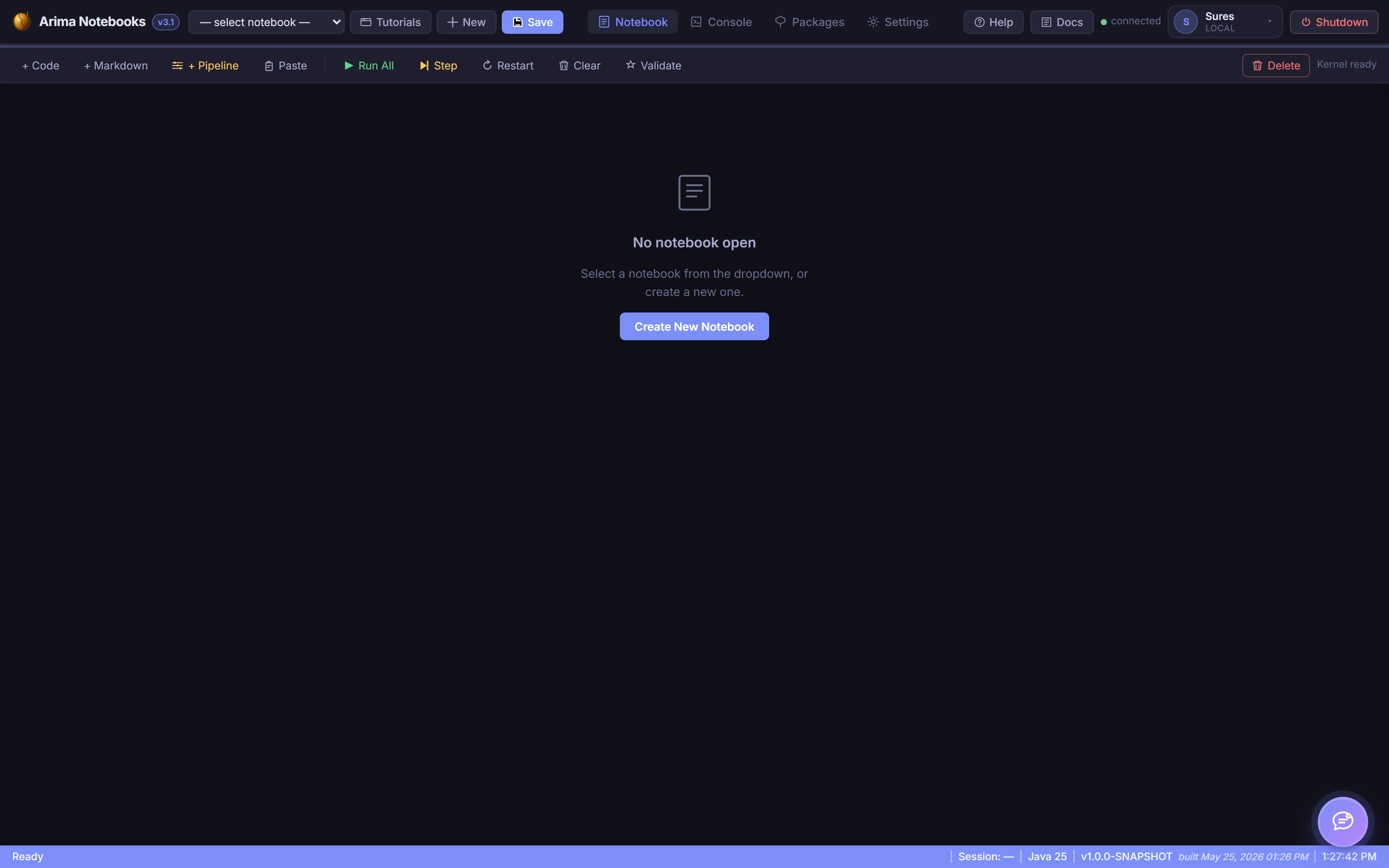
Start the service, create a notebook, run a small JShell cell, observe streamed output, save the artifact, and stop the server cleanly.
Use two already-approved runtimes, declare a cell dependency, compare results, and identify where each toolchain stores generated data.
Review provider data flow and permissions, use non-sensitive content, enable one local integration, then inspect and revoke its configuration.
Phase 3 uses a disposable notebook and synthetic data. Optional runtimes must already be screened; AI providers and MCP remain disabled unless separately evaluated and approved.
Local setup, first cell, and the core interface.
Connecting multiple language cells safely.
Copilot and MCP workflows with clear trust boundaries.